Leisure
Fall camping gear for beginners
Ad · Products related to this content
Two-person tent for beginnersPartner shop
Taking inquiries from shops
A user who read about camping is likely to be looking for a tent. publish.link shows products to users who read content on that topic, on the publisher's pages and in notifications.
This is an example screen. We open it shop by shop, in the order inquiries came in.
Its place in the user's journey
Of the five steps, shop partnerships cover buying. We are taking inquiries from shops now.
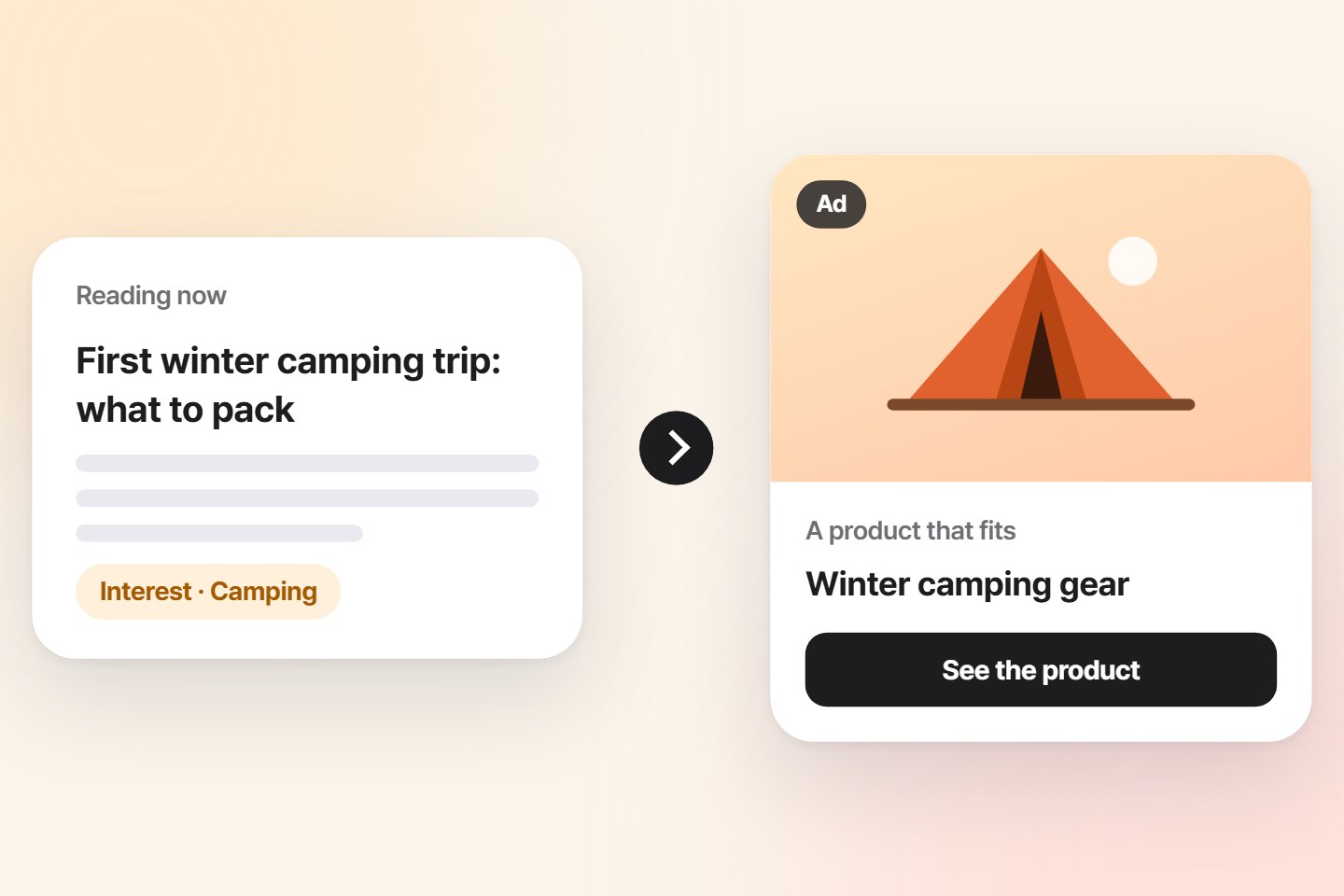
Search ads appear when someone who has already decided to buy runs a search. Competition is heavy and prices are high. publish.link shows the product one step earlier, at the moment interest has just started while reading.
The audience is decided not by "who they are" but by "what they read". The shop only picks a condition such as "users interested in camping", and publish.link finds the pages and users that match.
No information about individual users is passed to the shop. So there is no burden of receiving and managing personal data.
Products are shown with an "Ad" label.
←Who bought is not passed on; we report only how often products were shown and clicked.
All three are labeled as ads.
Products that match the content's topic are shown in a separate slot below the content. They are not placed in the body text.
When a user asks the AI navigator, related products are shown in a slot separate from the answer.
Sent only to users who separately agreed to receive product news, under the publisher's name and marked (Ad).
Upload a list with product names, photos, prices and addresses. We are preparing it so that you can use your existing product feed file as it is.
Decide which products to show to users interested in which topics, and how much to spend per day.
See by topic how often products were shown, how many times they were clicked and how many were sold.
We drew the line that protects users first. What a shop receives is numbers, not people.
Impressions and clicks by topic, number of sales, and which publisher's pages got a good response.
Who saw it, and which content that user read. User records are not handed to shops.
Topic conditions, products, where to show, the daily limit, and publishers you do not want to appear on.
The name notifications are sent under and how many are sent. Notifications go out under the publisher's name, and a cap on the number and a sending restriction from 9 PM to 8 AM apply.
We are considering a model with no charge when a product is only shown on screen. It would combine a click fee when a user clicks a product with a sales commission when it is actually sold.
The shop sets its own daily limit, and once the limit is reached nothing more is shown that day. We intend to let shops start small, with no prepaid top-up or minimum contract period, and increase after seeing results.
Exact prices will be set and announced when partnerships open. The share of the fees that goes to publishers and the share that goes to publish.link will be published too.
The push that publishers use works the same on a shop site. Send news of restocks, discounts and items left in the cart to your own customers under your own name. This feature is available now.
We guide shops in the order their inquiries came in.
Shops where the content topic and the product connect clearly. Products people look up while reading, such as camping gear, electronics, car accessories, travel and books.
Yes, if you have your own shop address. Sending users to a marketplace product page will be decided after checking that marketplace's rules.
Notifications received from a publisher's site are shown only under that publisher's name. Browsers set it that way. The shop's name goes in the notification text. If you add push to your own shop site, you can send under your own name.
No. Every place a product appears is labeled as an ad.
Tell us your shop address and what you mainly sell, and we will guide you through joining.
Received. We will reply to the contact you left.
That did not go through. Fill in all three fields and send again.