Add one line of script
Add one line to the shared part of the site. For push, upload one service worker file as well.
Stories
How the publishers on the service use each feature, and how they got started.
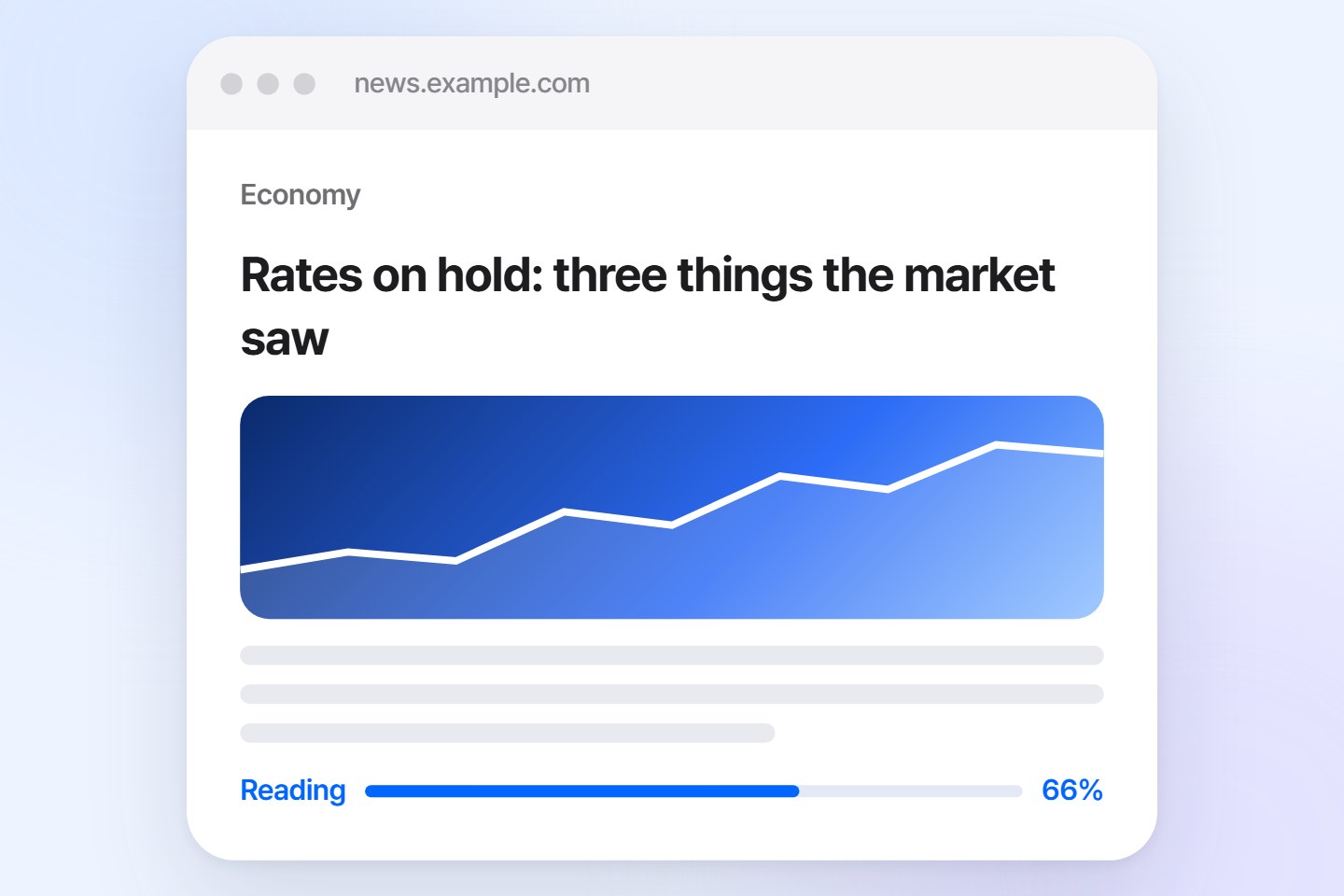
The English site tokenpost.com uses three parts of publish.link together: push, Linky the AI navigator, and reading history.
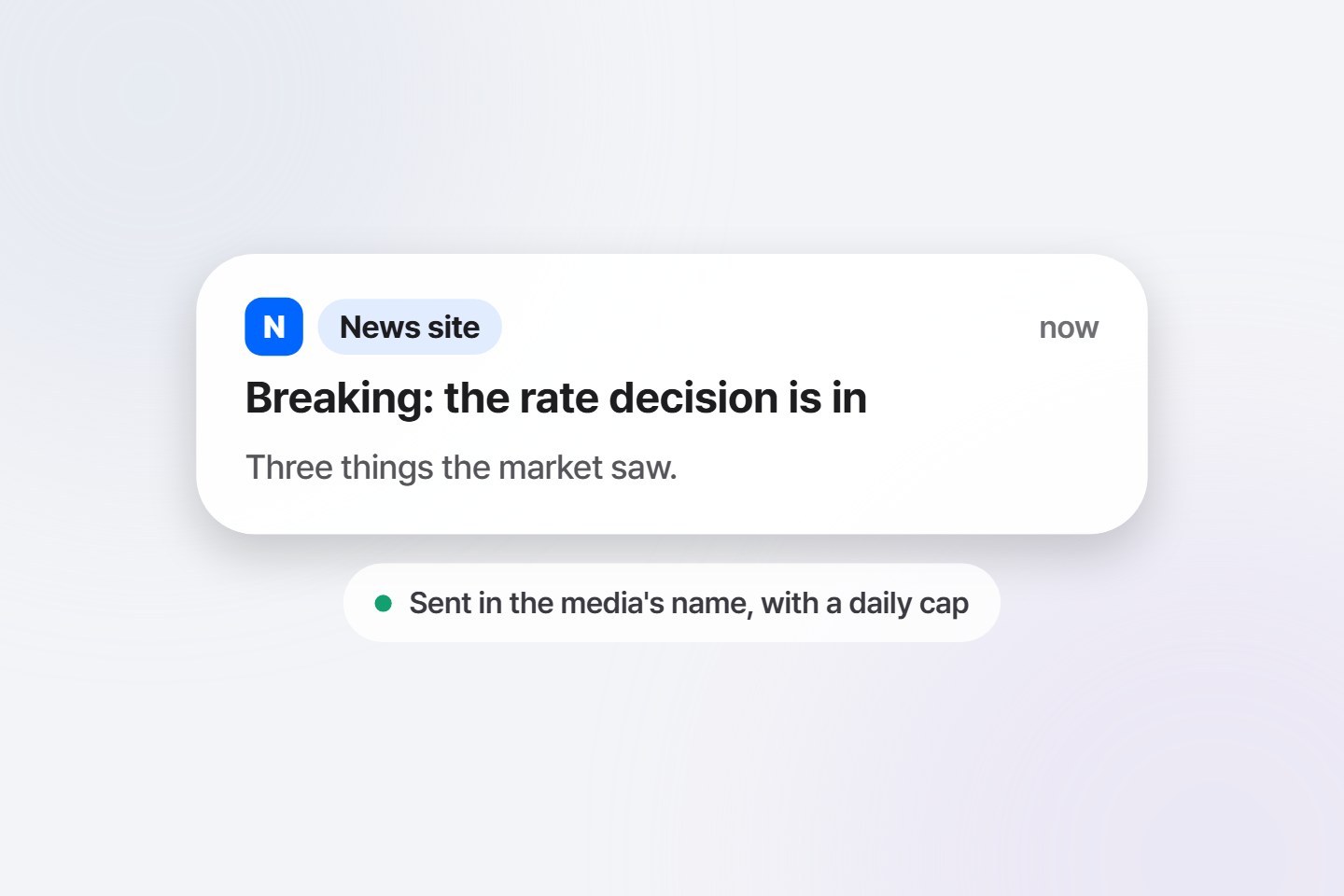
Nobody writes the notifications by hand. The content management system calls the send API, and subscribers are notified the moment new content goes out.
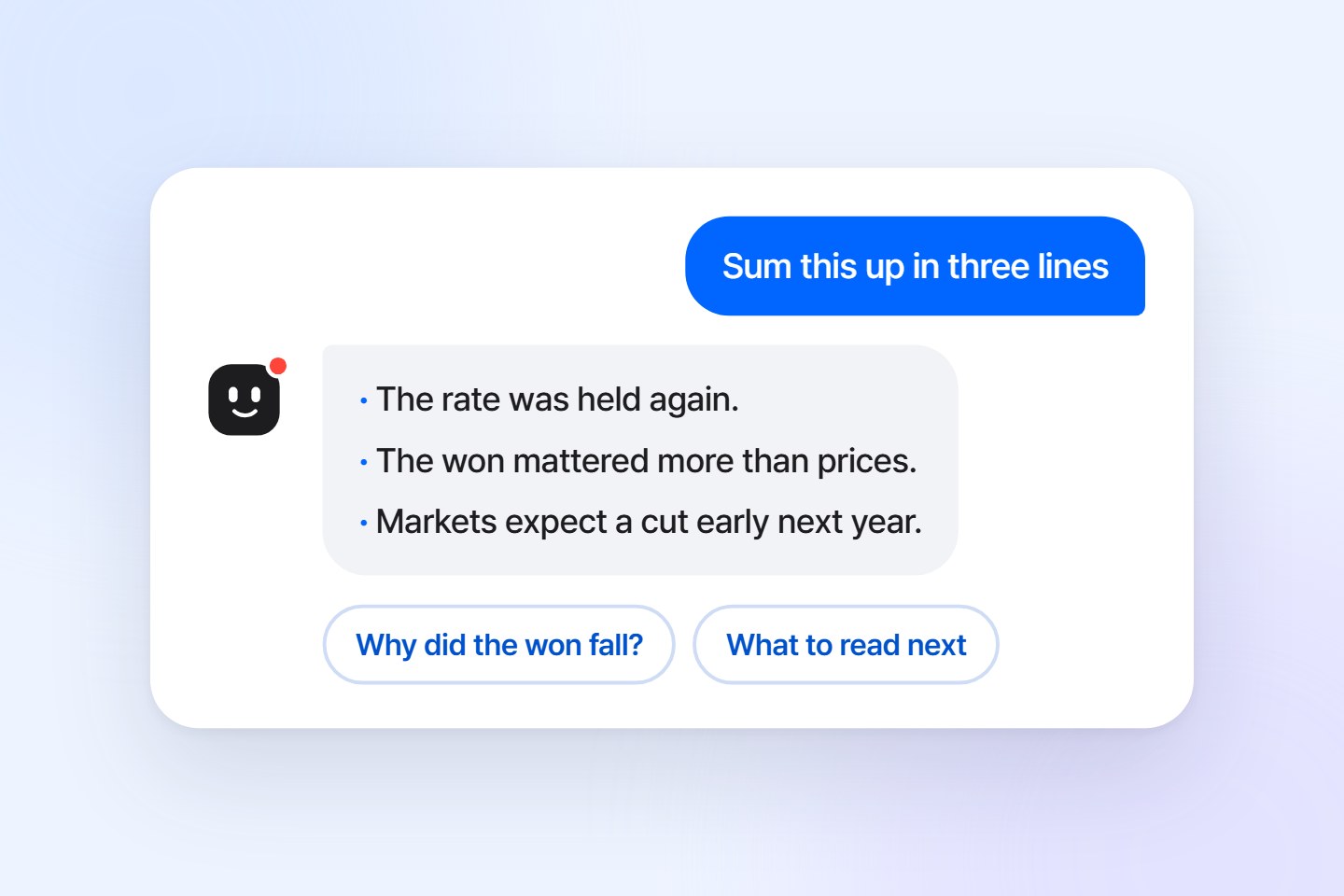
The economic news site econotimes.com uses Linky, the AI navigator.
There is no story about this feature yet.
Each publisher turns on only what it needs. The script is the same for all.
| Publisher | Push | Personalized notifications | AI navigator | How it is used |
|---|---|---|---|---|
| TokenPost Koreatokenpost.kr | In use | — | — | The send API notifies on publishing |
| TokenPosttokenpost.com | In use | In use | In use | A welcome alert right after subscribing |
| EconoTimeseconotimes.com | — | — | In use | Linky answers beside the content |
All three started in the same order.
Add one line to the shared part of the site. For push, upload one service worker file as well.
It reads the home page and content itself and works out where the body is, the language and the menu. The publisher uploads nothing.
The prompt and Linky are shown to staff only at first, to check the wording and the answers.
After opening, it keeps reading the sitemap and feeds to learn new content. The console shows notification results and questions.
When a person writes each alert, it goes out later. The send API or automatic alerts for new content notify at the moment of publishing.
A welcome alert lets the user see at once what notifications look like. Up to two more can follow some days later.
Linky, having learned the site, summarizes and answers beside the content. The questions that come in are clues for the next piece of content.
Tell us your site address and daily visitor count, and we will send you installation steps and a schedule.
Received. We will reply to the contact you left.
That did not go through. Fill in all three fields and send again.