- Publisher
- TokenPost
- Site
- tokenpost.com
- Features in use
- Push (welcome notification), AI navigator, reading history
- Welcome alerts, last 30 days
- About 660
- Content Linky has learned
- 5,000
- Installation
- One line of script
Numbers were counted from the service records on November 18, 2026.
How they use it
When a user allows notifications, one welcome notification goes out right away. The user sees what a notification looks like immediately after allowing them.
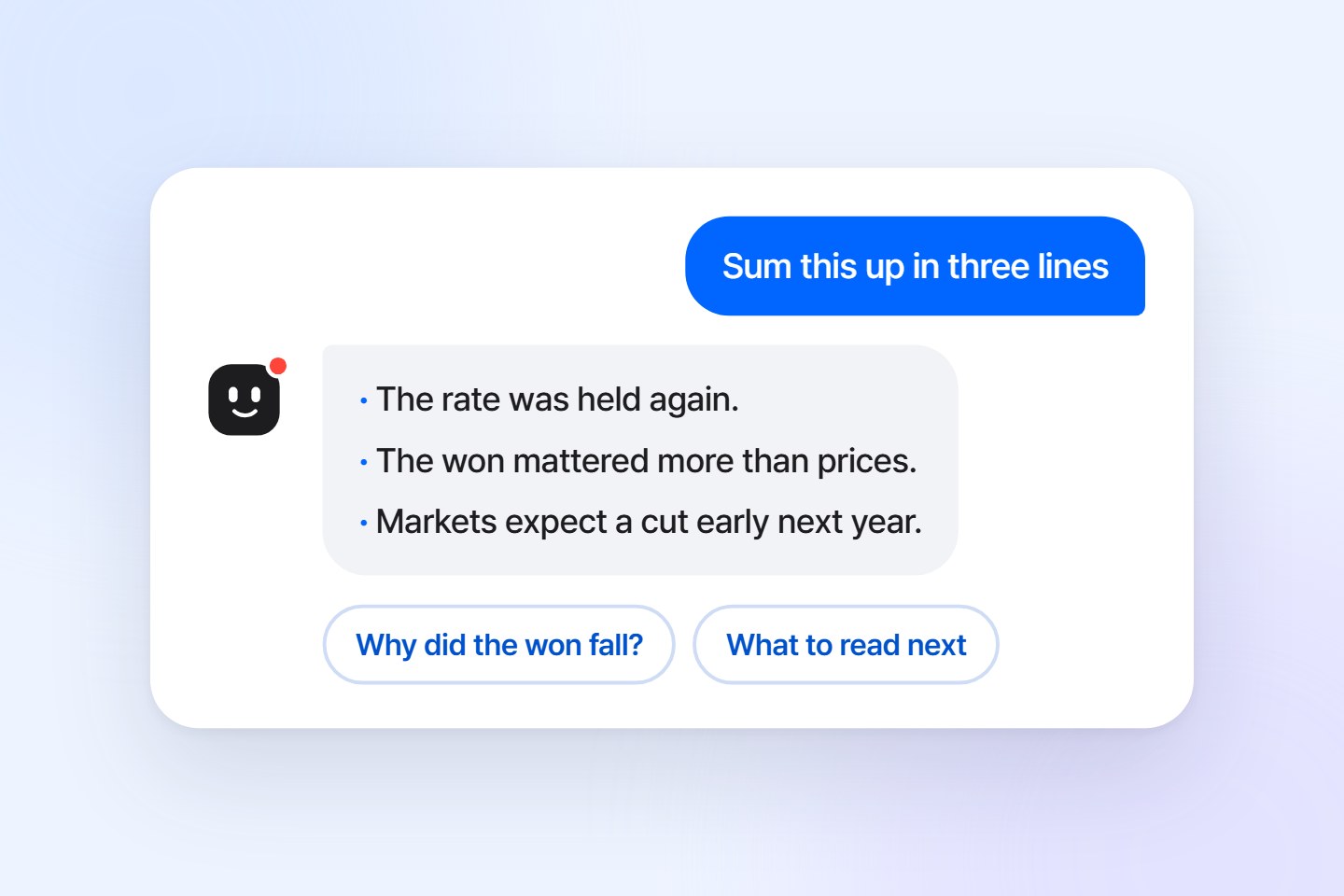
Linky sits beside the content. Linky summarizes the page the user is on and answers questions from what that page says.
Reading history is on too. The content a user reads is recorded without a name to work out topics of interest.
How Linky learned the site
When Linky was turned on, it read the home page and two content pages itself and worked out where the body is, the language and the menu. Since then it keeps reading the sitemap and feeds to learn new content.
Before opening it to users, they kept it visible to staff only and checked the answers.
What they see in the console
The questions users ask Linky and their ratings are collected. Seeing which content draws the most questions helps decide what to write next.
What is good about this
To bring back a user who read once and left, you need to know what that user cares about. The questions asked of Linky and the content read are the clues.
What can be added
Notifications can be split by the topics of interest worked out from reading history.
Written in November 2026. The picture is an illustration.